Hospital Departments & Service Units
The Department Management module in MOANA defines the organizational, physical, and financial hierarchy of the healthcare facility. It organizes hospital operations into structured Clinical, Diagnostic, Support, and Administrative units, enabling accurate patient routing, departmental bed quotas, clinical leadership governance, and cost-center accounting.
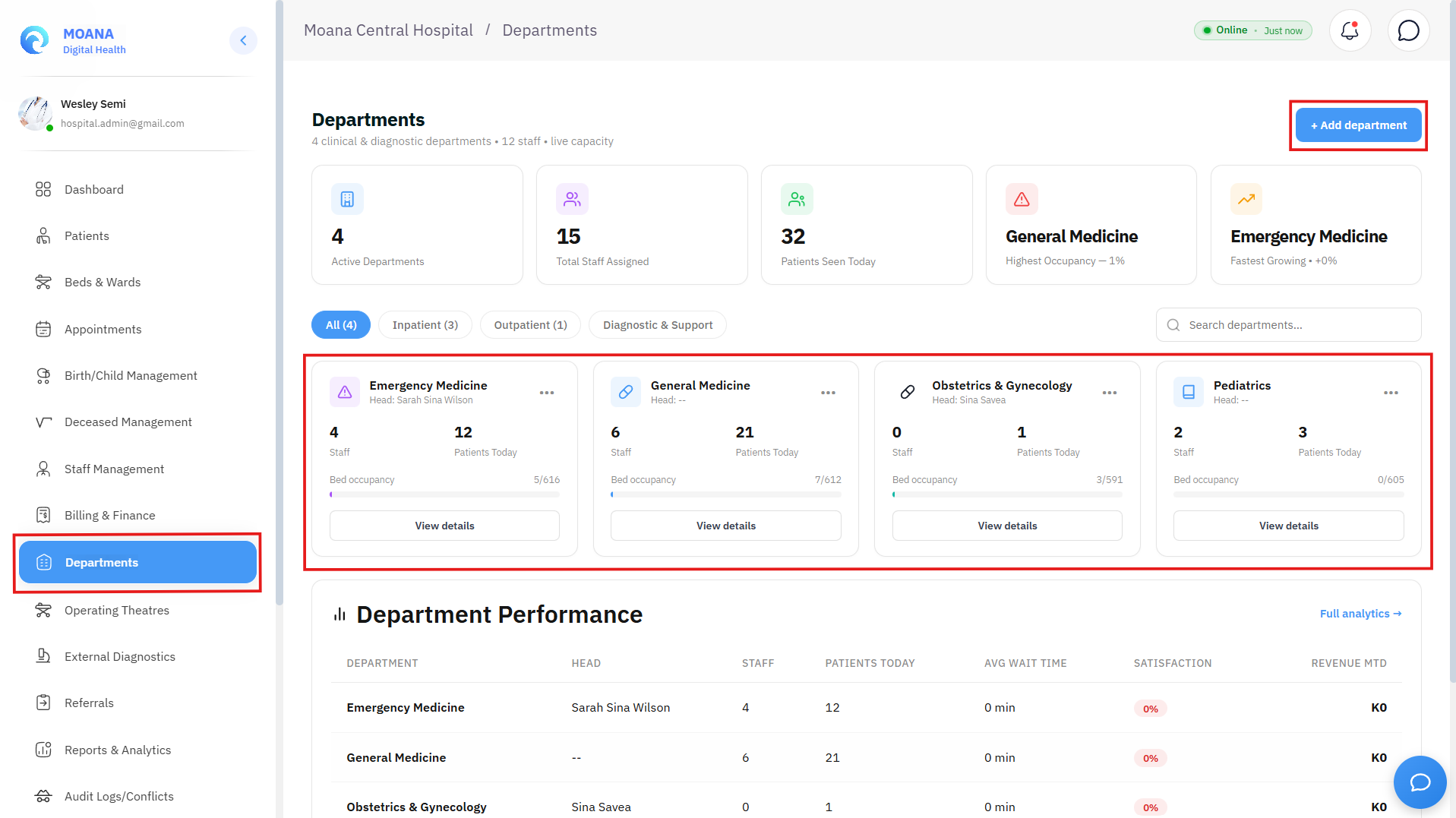
Hospital Department Directory showing clinical divisions, assigned Heads of Department, and active staff counts.🔍 Click to enlarge
1. Department Categorization & Organizational Hierarchy
MOANA classifies hospital departments into four distinct operational tiers:
graph TD
    A[Hospital Facility Master] --> B[1. Clinical Service Departments]
    A --> C[2. Diagnostic & Imaging Departments]
    A --> D[3. Support & Facilities Units]
    A --> E[4. Administrative & Financial Units]

    B --> B1[Emergency, Internal Med, General Surgery, OB/GYN, Pediatrics, ICU]
    C --> C1[Clinical Pathology / LIS, Radiology & PACS, Blood Bank]
    D --> D1[Pharmacy Dispensing, Central Sterile CSSD, Housekeeping, Biomedical]
    E --> E1[Billing & Cashier, Medical Records HIM, Human Resources, IT]
| Department Tier | Primary Purpose | System Integration |
|---|---|---|
| Clinical Services | Direct outpatient and inpatient patient medical care. | CPOE orders, ward admissions, clinical encounters, and doctor schedules. |
| Diagnostic Services | Diagnostic pathology and radiological imaging. | LIS accessioning, analyzer telemetry, and DICOM PACS routing. |
| Support Services | Pharmaceutical supply, sterilization, and catering. | Drug formulary stock, cold chain logs, and ward replenishment. |
| Administrative & Billing | Financial accounting, human resources, and health records. | Invoicing, fee schedules, staff shift rosters, and government reporting. |
2. Departmental Configuration & Settings
Click "+ Add Department" or select an existing department to open the configuration editor:
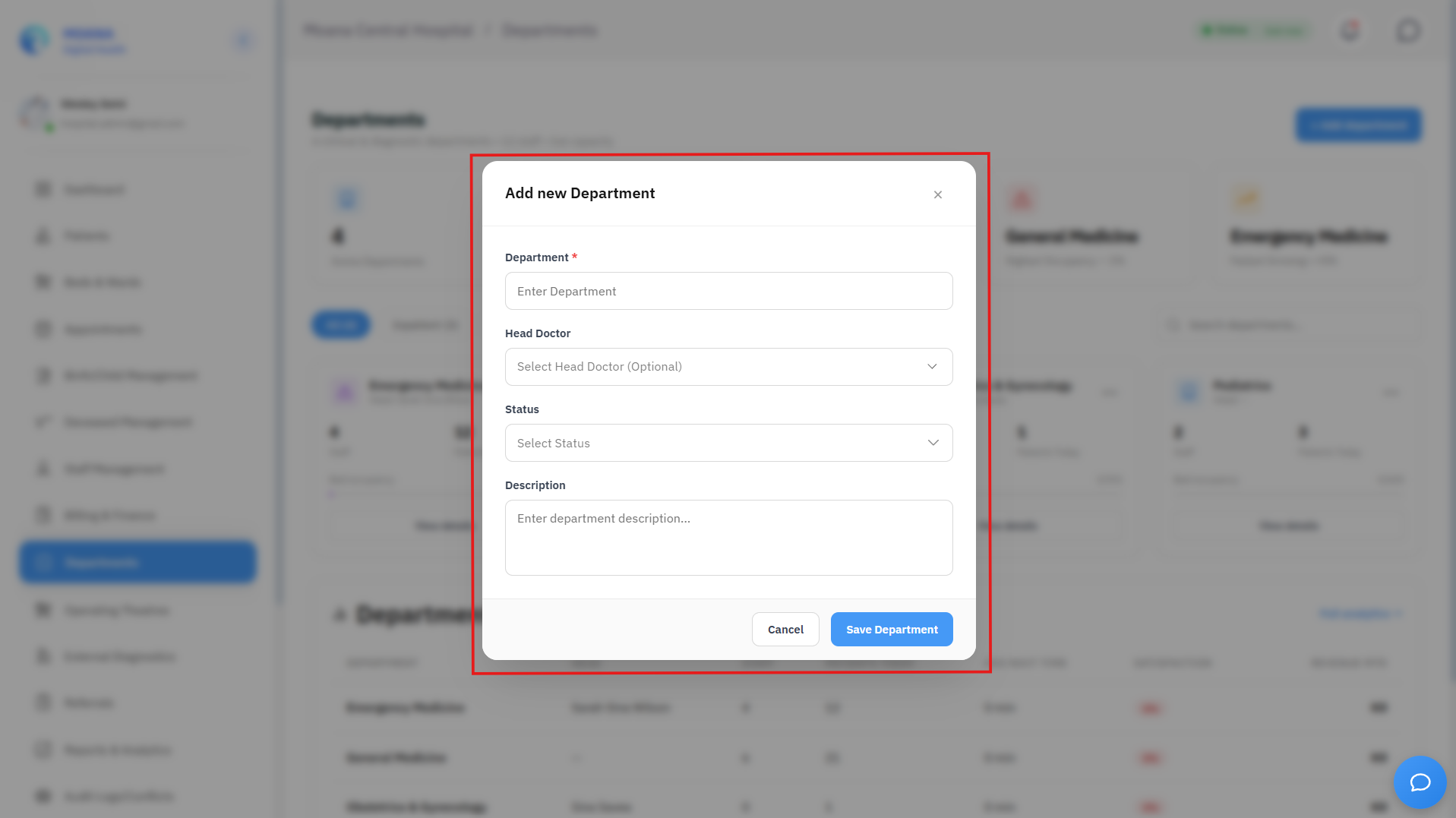
Department Configuration Editor with HOD assignment, operating hours, and location binding.🔍 Click to enlarge
Key Configuration Parameters:
- Department Name & Code:
- Official descriptive title (e.g., Department of General Surgery).
- Short operational abbreviation (e.g.,
SURG,PEDS,OBGYN,EMRG,ICU).
- Clinical Leadership (Head of Department - HOD):
- Assign the designated Medical Director, Chief Surgeon, or Nursing Superintendent.
- HOD credentials grant elevated clinical oversight (e.g., clinical escalation reviews, critical lab alert overrides, controlled drug discrepancy sign-offs).
- Physical Campus Location:
- Building Name, Wing, and Floor (e.g., Tower B, 3rd Floor, West Wing).
- Associated consultation rooms, procedure suites, and nurse stations.
- Operating Hours & 24/7 Emergency Flag:
- Define scheduled operating hours for outpatient clinics (e.g., Mon–Fri, 08:00–17:00).
- Toggle "24/7 Acute Care Unit" for Emergency, Labor & Delivery, and Intensive Care Units.
- Cost Center & Financial Accounting:
- Link financial General Ledger (GL) cost center codes for revenue cycle analytics and expense tracking.
3. Departmental Staff Rostering & Bed Quotas
- Personnel Allocation: View all active physicians, registered nurses, technicians, and administrative clerks assigned to the department.
- Bed & Room Quotas: Allocate specific inpatient wards and consultation suites to the department's operational custody.
- Automatic Queue Routing: Outpatient appointment bookings and specialty consultation requests route directly to the active provider pool of the target department.