Clinical Discharge & Medication Reconciliation
This section describes the clinical, pharmaceutical, and administrative protocols for executing safe patient discharges, performing medication reconciliation, closing inpatient encounters, and releasing hospital beds.
- Authorized Roles: Attending Doctor, Ward Nurse, Receptionist / Admission Clerk, Billing Officer.
- Module Identifier: Module 09 (Clinical Discharge).
1. Step-by-Step Safe Discharge Workflow
graph LR
    A[1. Review All Diagnostic Results] --> B[2. Author Discharge Summary]
    B --> C[3. Reconcile Discharge Meds]
    C --> D[4. Nurse Discharge Checklist]
    D --> E[5. Confirm Bed Release & Billing]
Step 1: Outstanding Results Review
- Doctor opens the patient's record in Beds & Wards or Doctor Dashboard.
- Navigate to the Results tab and review ALL outstanding laboratory and radiology reports.
- Clinical Accountability: The system does NOT prevent discharge with pending results — clinical responsibility for reviewing diagnostic results prior to discharge rests strictly with the Attending Doctor.
Step 2: Structured Clinical Discharge Summary
- Click + Discharge Summary.
- Complete all required clinical sections:
- Primary Final Diagnosis (Coded with ICD-10).
- Secondary Comorbidities & Complications.
- Hospital Course & Treatment Summary (Key procedures, surgeries, and clinical interventions).
- Discharge Medications (Reconciled prescription list).
- Follow-Up Plan & Instructions (Clinic review date, wound care instructions, dietary guidelines).
- Enforcement Rule: The system applies a default administrative note if no text is entered — a comprehensive, signed clinical discharge summary is required for every patient.
Clinical Discharge Summary and Medication Reconciliation Interface🔍 Click to enlarge
Step 3: Medication Reconciliation
- Open the Medication Reconciliation Panel.
- Review all medications administered during the inpatient stay against pre-admission regimens.
- Explicitly categorize every medication:
- Continue: Continued at home at specified dose/frequency.
- Change / Substitute: Dose, route, or agent modified.
- Stop / Discontinue: Inpatient therapy terminated (e.g., IV antibiotics).
- Author electronic take-home prescription and transmit to the outpatient pharmacy.
Step 4: Nursing Discharge Checklist
- Ward Nurse completes the bedside discharge checklist:
- Patient & caregiver education provided.
- Written discharge instructions and take-home medications explained.
- Follow-up clinic date and red-flag return symptoms understood.
- Indwelling catheters/cannulas removed and wound dressings refreshed.
- Safe transport arranged.
Step 5: Bed Release & Billing Flagging
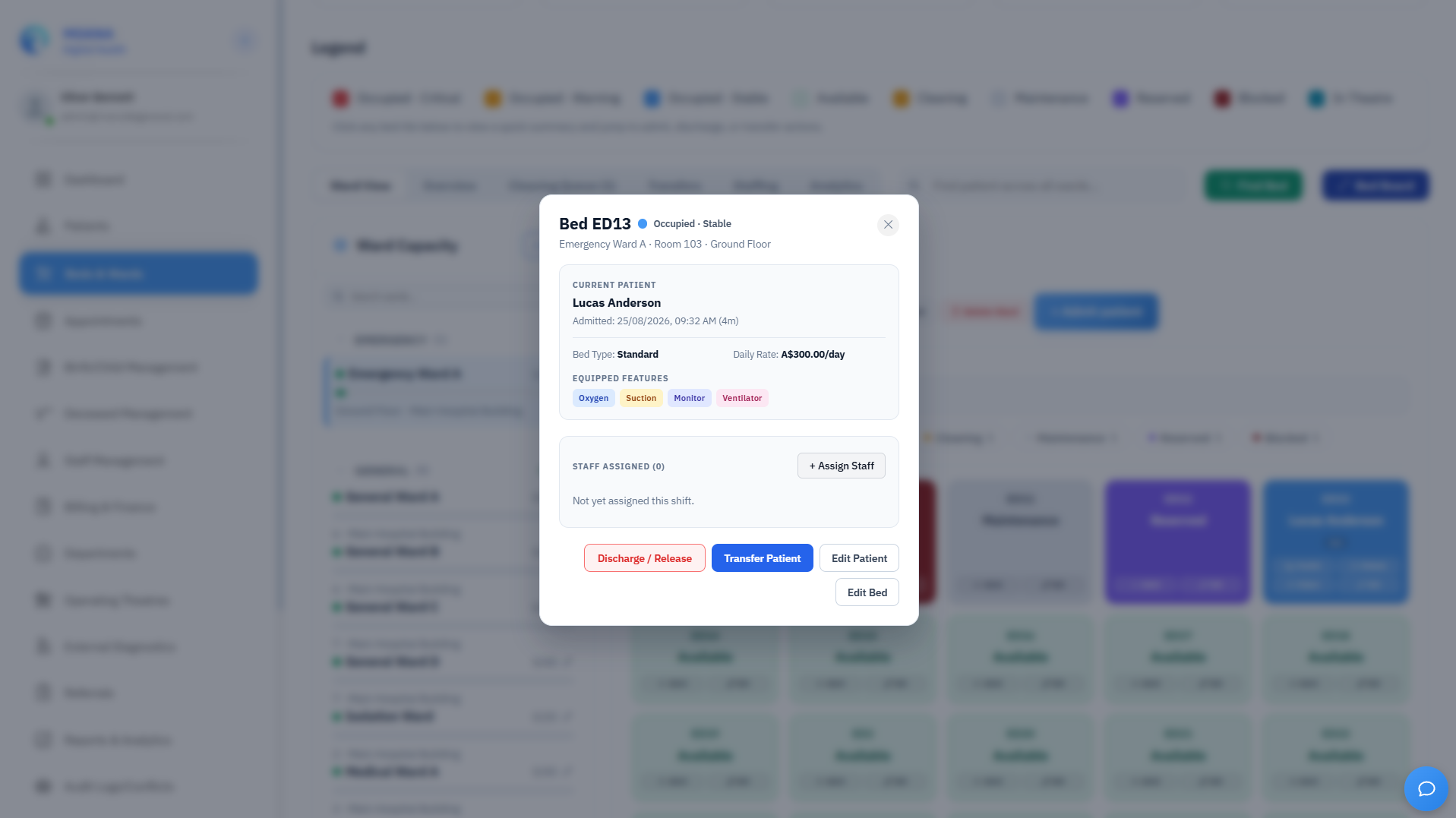
- Doctor or Receptionist clicks Confirm Discharge in Beds & Wards.
- The bed status transitions to Cleaning (or locks into Terminal Clean Required if patient was flagged with contact/airborne isolation precautions).
- The encounter is closed and flagged for final billing invoice generation.
- An automated notification is sent to the hospital administration and finance teams.
2. Patient Safety Checkpoint: Pending Results at Discharge
IMPORTANT:
Pending Results at Discharge Protocol
- The system does NOT block discharge when lab or radiology results are pending.
- The Attending Doctor must review all outstanding requests before confirming discharge.
- For any result that remains pending at the time of departure:
- Document the specific test name and a clear clinical follow-up plan in the discharge summary.
- Explicitly inform the patient that they will be contacted once the result returns.
- Any result returning post-discharge with a critical finding must trigger immediate contact using the emergency phone number in their Moana record.