Offline-First Architecture & Downtime Operations
Healthcare facilities frequently encounter intermittent Wi-Fi, severed network cables, or local server downtime. To guarantee uninterrupted 24/7 clinical operations, MOANA EHR is engineered with an offline-first local persistence and queue synchronization architecture.
1. How Offline Operation Works
graph LR
    A[1. Online State: Charting saves to central server] --> B[2. Network Loss: System switches to local offline cache]
    B --> C[3. Work Uninterrupted: Records queue securely on workstation]
    C --> D[4. Reconnection: Queued changes sync automatically]
1. Offline Capability Boundaries
Hospital environments frequently experience variable network connectivity. Moana absorbs this reality through offline queuing and local data caches:
| What Moana CAN Do Offline | What CANNOT Be Done Offline |
|---|---|
| ✓ Queue new entries locally: vital signs, nursing notes, consultation notes, eMAR medication administration records | ✗ Place a new laboratory order — fails outright; use a physical paper lab request form |
| ✓ Access recently cached patient records from the current active session | ✗ Acknowledge critical diagnostic results via external paths — requires live connection |
| ✓ Run drug-allergy and drug-interaction checks (using locally cached clinical rules) | ✗ Log in for the first time on a device — initial user authentication requires connectivity |
| ✓ Run NEWS2 deterioration threshold checks (using local scoring rules) | ✗ Access patient records not previously loaded or cached in the current session |
| ✓ View the ICU Admissions list (confirmed to cache for offline clinical viewing) | ✗ Transmit electronic billing claims to external health insurers |
2. Real-Time Network Status Banners & Offline Modes
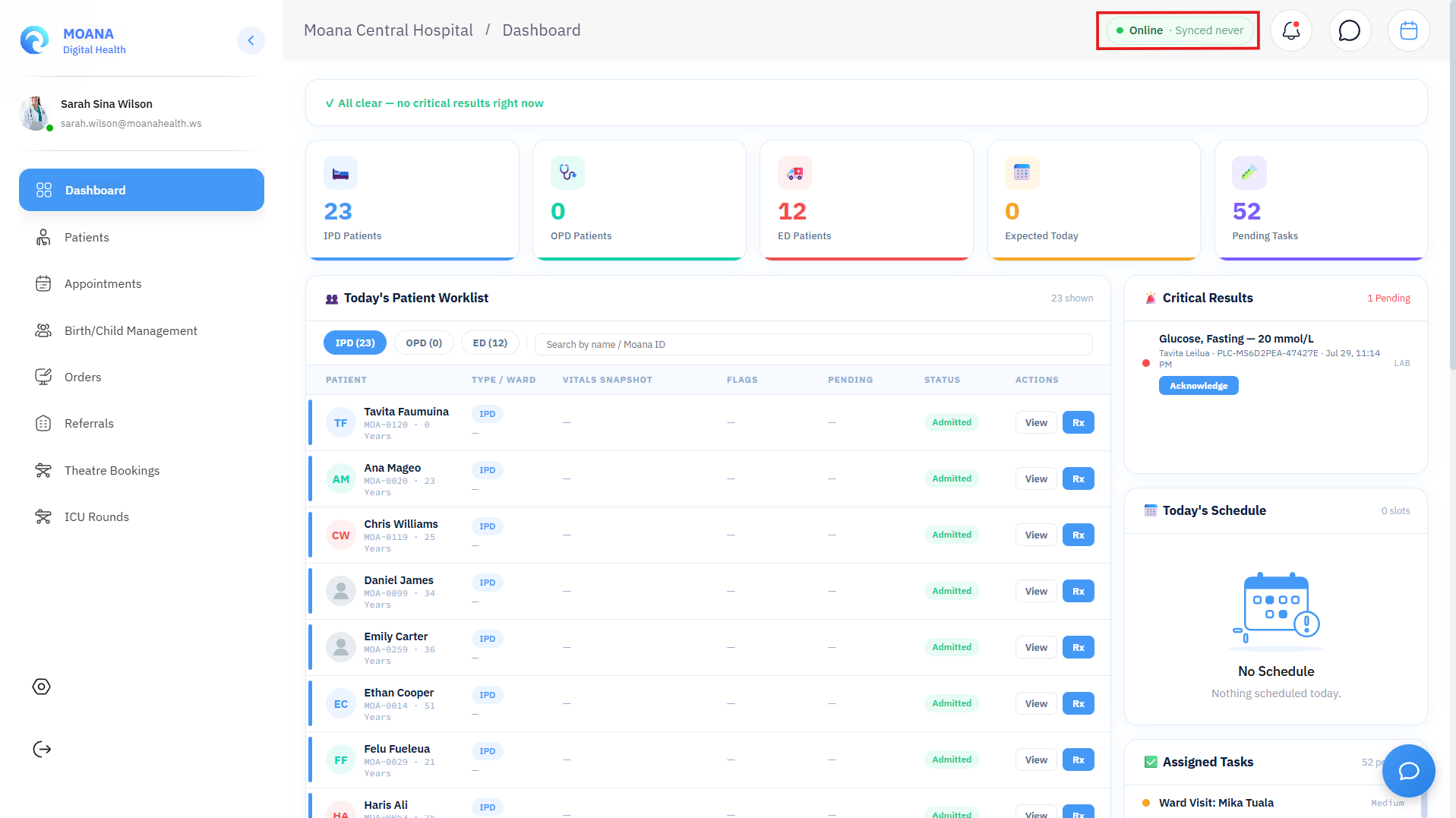
MOANA EHR continuously monitors workstation connectivity and provides prominent, color-coded visual banners to ensure clinical staff always know the exact synchronization status of their data:
| Visual Banner State | Banner Color & Text | Meaning & Clinical Action |
|---|---|---|
| Online & Synchronized | None (Hidden) / SYNCED | Central server connection is active. All clinical charting is immediately saved to the master database. |
| Offline Mode | 🔴 Red Banner: You are offline — X changes pending sync — showing cached data | Network connection is lost. All new entries (vitals, eMAR doses, progress notes) are safely encrypted and queued in local browser IndexedDB. |
| Syncing in Progress | 🟠 Amber Banner: ⟳ Syncing X pending changes... | Network restored. Workstation is actively transmitting queued mutations to the central server. |
| Reconnected / Sync Flush | 🟢 Emerald Banner: ✅ Back online — syncing X changes... | Queued mutations have completed transmission and the workstation has fully reconciled with the server. |
3. On Reconnection: 3-Way Conflict Resolution Engine
When a workstation reconnects after an outage, the system automatically checks for concurrent modifications. If the same patient chart, medication order, or bed allocation was modified by two different users at different workstations while offline, the backend issues an HTTP 409 Conflict trigger and opens the Data Sync Conflict Resolution Console.
graph LR
    A[Reconnection Detected] --> B{Concurrent Edits on Record?}
    B -->|No Conflicts| C[Automatic Queue Flush & Replay]
    B -->|Conflict Detected| D[Open 3-Way Conflict Resolution Modal]
    D --> E[1. Client Local Version: Offline Workstation Edit]
    D --> F[2. Server Central Version: Master Database State]
    D --> G[3. Merged Resolution: Operator Interactive Selection]
    G --> H[Commit & Resolve -> Server Updated]
The 3 Resolution Choices:
- Client Local (Offline Edit): Applies the offline workstation's changes, overwriting the server version. Use when the offline clinician directly administered care and possesses the ground truth.
- Server Central (Server Wins): Discards the local offline changes in favor of the current server state. Use when another clinician has already updated the chart with more accurate information.
- Manual Merge (Granular Field-by-Field Reconciliation): Allows the supervisor to check individual checkboxes (e.g., retain local medication administrations while keeping server vitals). The system displays a real-time Merged Resolution Preview before final submission.
Step 1Inspect Conflicting Fields
Review the highlighted differences across the three columns: Patient Name, DOB, Medication List, Allergies, and Timestamped Clinical Notes.
Step 2Select Desired Values
Click the checkboxes or radio buttons under the appropriate version for each conflicting field, or type custom reconciliation text into the Merged Resolution column.
Step 3Commit & Resolve
Click Commit & Resolve. The unified record is written to the central database and logged in the immutable security audit trail with the resolving clinician's credentials.
4. Pending Sync Logout Protection
To prevent inadvertent data loss if a clinician attempts to log out while offline changes are still queued locally, MOANA triggers the Pending Sync Logout Guard:
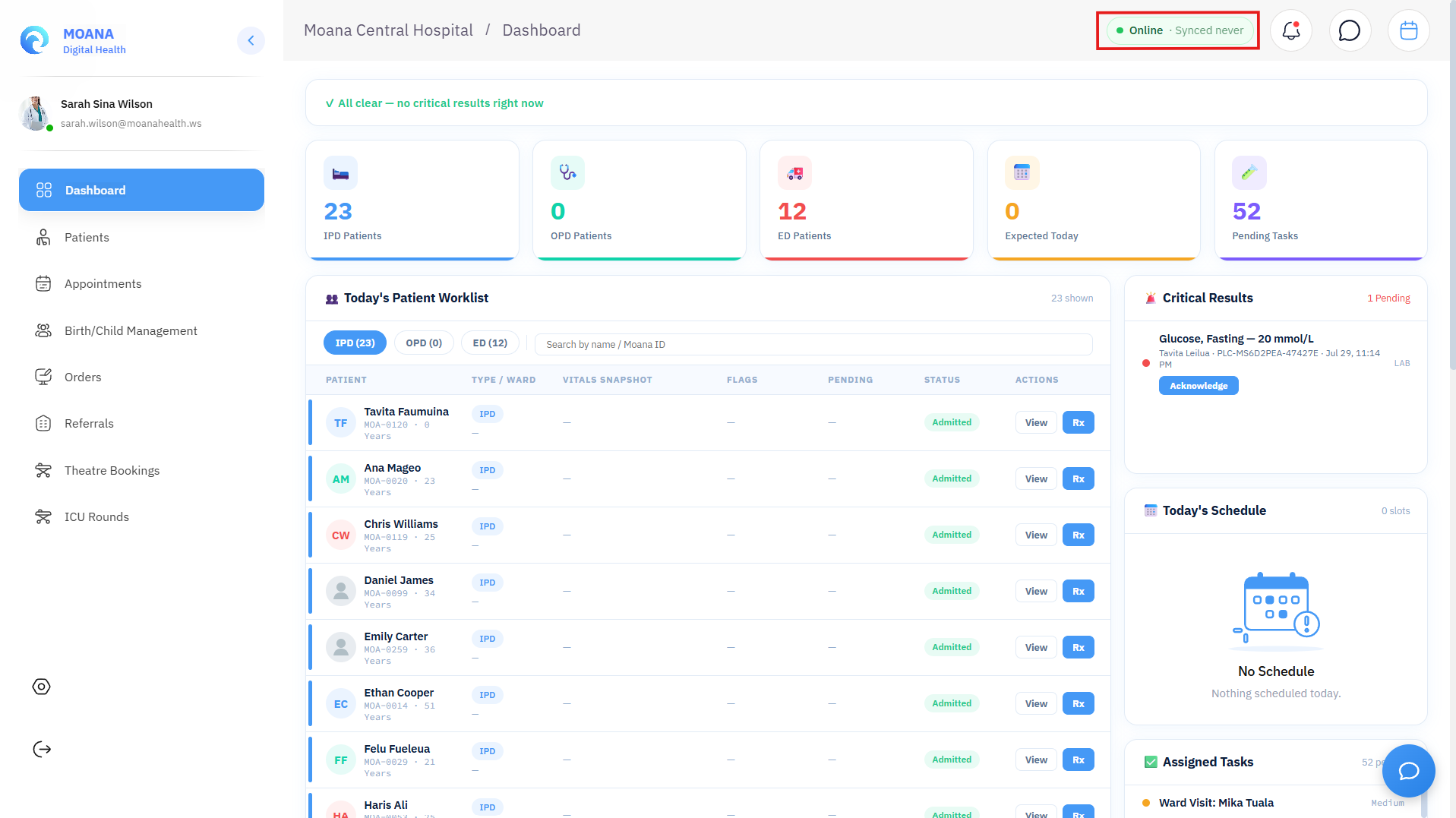
- Sync & Logout: Attempts an immediate forced flush of all queued mutations before terminating the session.
- Discard & Logout: Explicitly deletes local uncommitted entries (requires supervisor confirmation).
- Cancel: Closes the modal and keeps the clinician logged in until network connectivity is re-established.
4. Paper Downtime Procedures & Recovery
Patient Care Always Takes Priority Patient safety always takes precedence over software operation. If a technical issue causes a clinical delay, activate paper downtime procedures immediately. Never delay urgent medication administration or trauma resuscitation due to connectivity.
| Outage Scenario | Recommended Clinical Action |
|---|---|
| Brief connectivity loss (< 30 minutes) | Continue documenting in Moana; data queues locally; confirm SYNCED upon reconnection. |
| Extended outage or uncertain connection | Activate paper downtime procedure immediately — do not wait for technical resolution. |
| System unavailable at start of shift | Use paper clinical forms from the start of the shift; brief all oncoming staff at shift handover. |
| System recovery after downtime | Transcribe paper records into Moana in CHRONOLOGICAL ORDER. Do not summarize or skip entries. |